


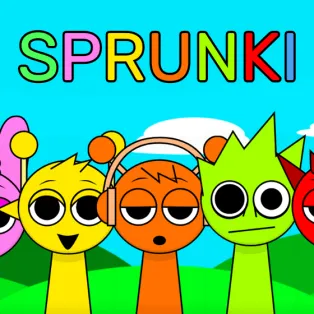


Sprunki
Sprunki is a music creation game where each character adds a looping sound to your band. Combine percussion, melodies, effects, and vocals to build an original arrangement, then explore an eerie alternate mode that changes the performance.
How to Play Sprunki
Drag musical icons from the bottom of the screen onto the gray avatars. Each assigned character starts performing, adding another layer to the track. Replace or remove performers whenever you want to change the arrangement.
Hover over an active character to access options for muting, hearing that performer alone, or removing them. Use the restart button to clear your lineup and begin again. Adding the black hat activates Horror Mode, transforming the characters and giving their sounds a darker tone.
Controls
- Mouse Click and Drag – Assign musical icons to characters.
- Mouse Hover – Reveal an active character's sound controls.
- Left Mouse Button – Select mute, focus, remove, or restart.
- Touch and Drag – Place musical icons on mobile devices.