


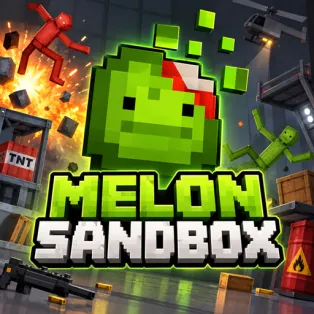


Melon Playground
Melon Playground is an open-ended 2D physics sandbox where you create your own experiments with fruit-themed ragdolls, weapons, vehicles, and everyday objects. Build unusual scenes, test how objects interact, and enjoy the unpredictable results without missions or time limits.
How to Play Melon Playground
Choose a map, then open the item menu to place characters and objects into the playground. Add props, stack materials, position vehicles, or give your ragdolls weapons. Drag items into place and use the available object options to move, rotate, freeze, activate, or remove them.
Once your scene is ready, experiment with collisions, explosions, and moving parts to see how the physics system responds. Connect objects to create contraptions or arrange a chain reaction, then change the setup and try again. There is no fixed way to win—you decide what to build and when to clear the scene for a fresh start.
Controls
- Left Mouse Button – Select items and interact with the playground.
- Click and Drag – Place or reposition characters and objects.
- Right Mouse Button – Open an object's options menu.
- Mouse Wheel – Zoom in or out.
- On-Screen Menus – Spawn items, activate tools, and clear the scene.